Calendly

How our enterprise-focused website strategy drove 50% more leads and 10x faster page launches

Web Design

Systems

Three digital screens display various interfaces with blue backgrounds, showcasing user profiles and content.
Jump to:

Overview

Client: Calendly is a $3 billion scheduling platform that makes coordinating availability easy. They're trusted by over 10 million users and 100,000+ companies.

Industry: SaaS (B2B & B2C)

Timeline: 3 months for the initial launch, followed by a retainer from 2022 to 2023.

My Role: Sole designer. This was during my tenure as a Sr. Designer at Webstacks; I'm grateful to the team for trusting me with one of our top clients.

Tools: Figma, Dato CMS, Optimizely

Deliverables:

  • Improved site information architecture

  • Performant landing pages (Enterprise, Solutions, Pricing)

  • Resources Center

  • Mature design system

  • Localization

  • A/B testing

All with a focus on targeting enterprises.

Special thanks: This was successful in large part due to Jennifer Garcia, who is an incredible marketer, and to Daniel Slovinsky for his outstanding development work.

Results

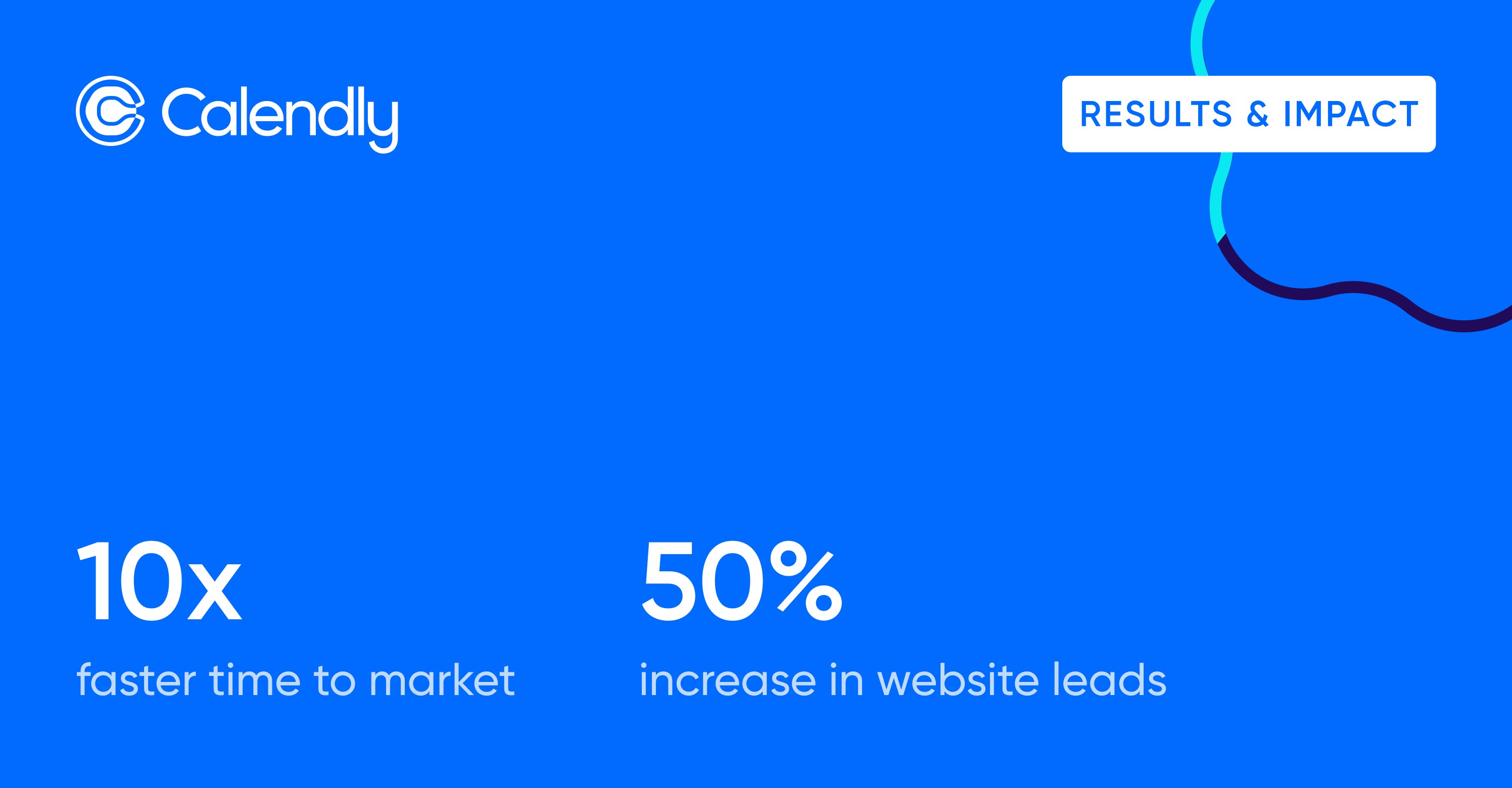
The Calendly team was thrilled with the results, which included a 50% increase in website leads and a 10x faster time to market. They signed on for a 1-year retainer after the initial engagement.

Challenge

After 8 years of growth to 10+ million monthly active users, Calendly's website no longer reflected the sophistication of its product experience.

A prominent Silicon Valley agency led a rebranding effort. However, the execution fell short.

The team recognized a disconnect—the new brand expression didn't honor Calendly's intuitive, product-first philosophy. More critically, the site architecture failed to support how users actually discover and evaluate the product.

With 30,000+ daily visitors experiencing this misalignment, Calendly needed to move quickly to serve a website that truly represented their values and performed better.
Resolution

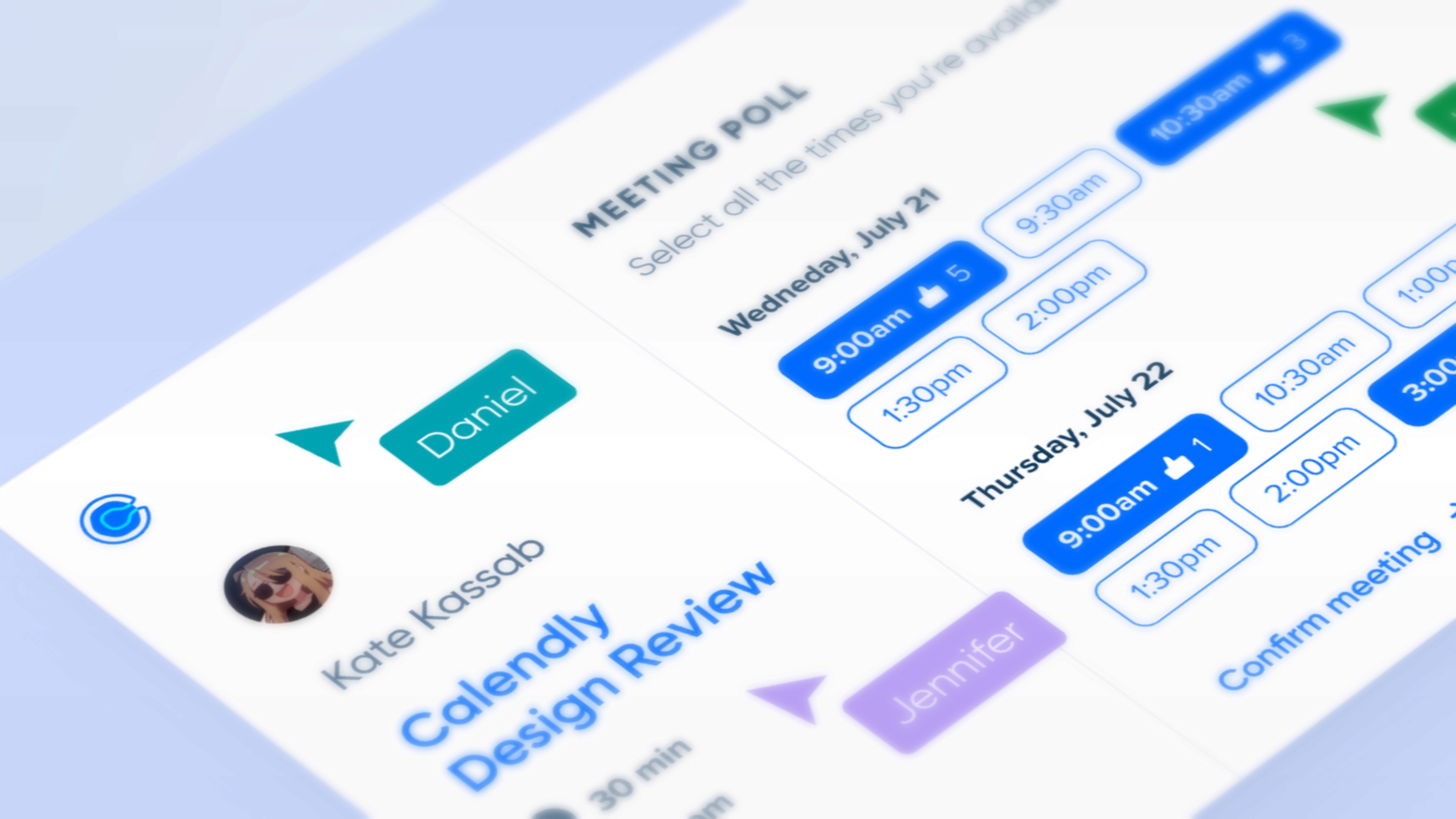
Our agency worked with Calendly to 1) launch performant pages and website improvements to attract enterprises, 2) speed up workflows via a new design system and CMS, and 3) scale and mature their brand identity.

By prioritizing performance, personalization, and continuous improvement, our teams have created a site that attracts, retains, and converts enterprise customers.

Enterprise efforts

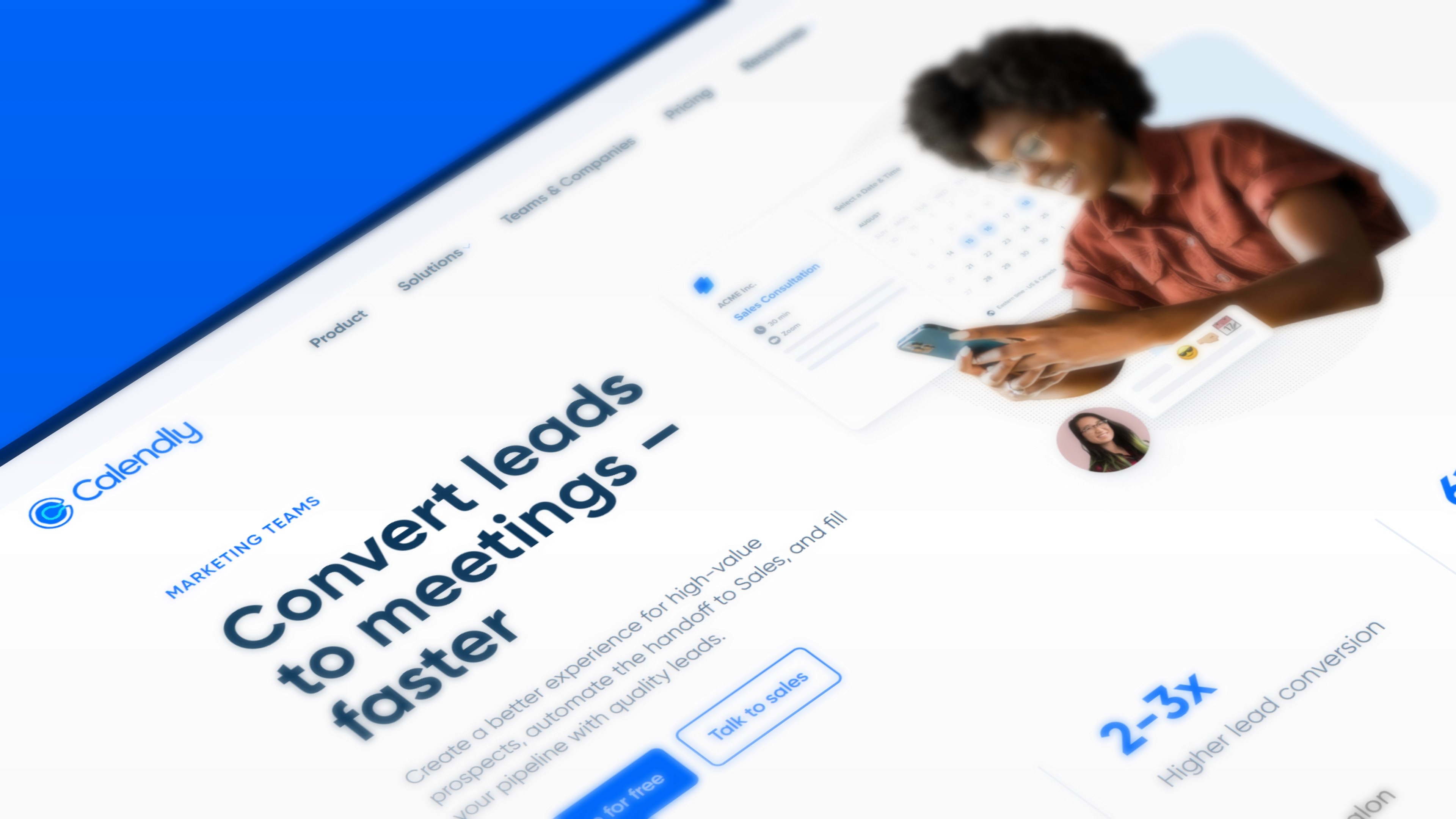
We redesigned the Enterprise page to send a clear signal: Calendly isn't just for solo users; it's built for serious organizations.

Enterprise buyers care about 3 things:

  • Security

  • Scalability

  • Admin controls

In addition to focusing on those areas, social proof did heavy lifting.

I positioned recognizable brand logos (Lyft, Dropbox, DoorDash) and customer quotes right next to our capability statements, so decision-makers could see real companies using Calendly at scale.


Supporting the enterprise sales cycle

After the Enterprise page redesign, we designed the site architecture to map to the enterprise buying journey.

Awareness Stage: Users hit our new solutions-specific pages.

Consideration Stage: Prospects explored our updated Resources Center

Decision Stage: Buyers found security details & ROI proof on the redesigned enterprise page.

High-intent CTAs such as "Talk to Sales" and "Request Demo" appeared at key conversion points, while gated resources captured leads for nurturing.

We integrated Clearbit for lead scoring and Marketo to route qualified prospects directly to account executives, ensuring the website generated quality leads that moved deals forward rather than creating noise.

This contributed to a 50% increase in overall website leads, with sales reporting a notable rise in marketing-qualified leads specifically from enterprise-focused pages.

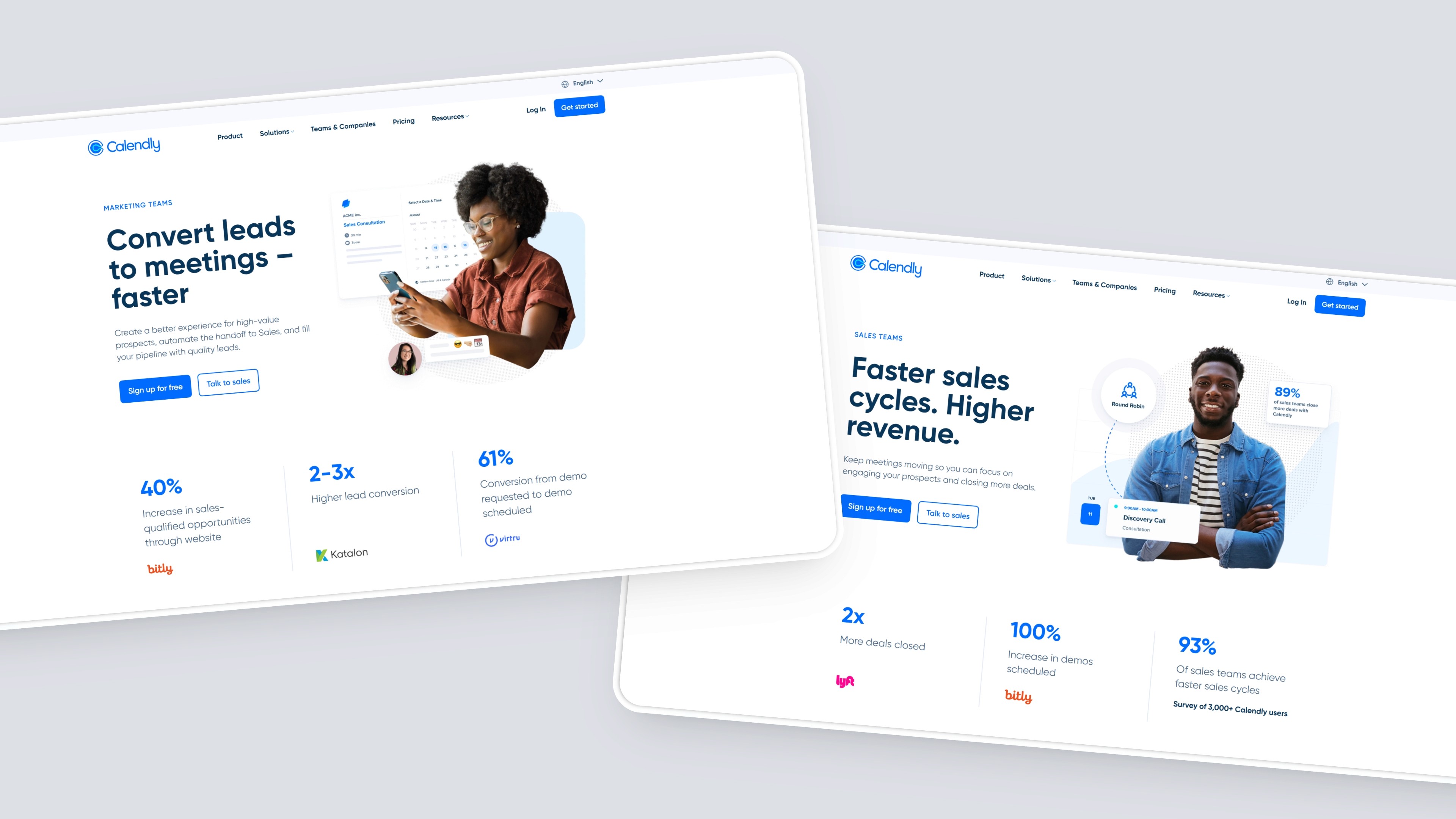
Solutions pages

Users were getting lost in Calendly's expanding feature set, and we needed high-quality pages for our Awareness stage.

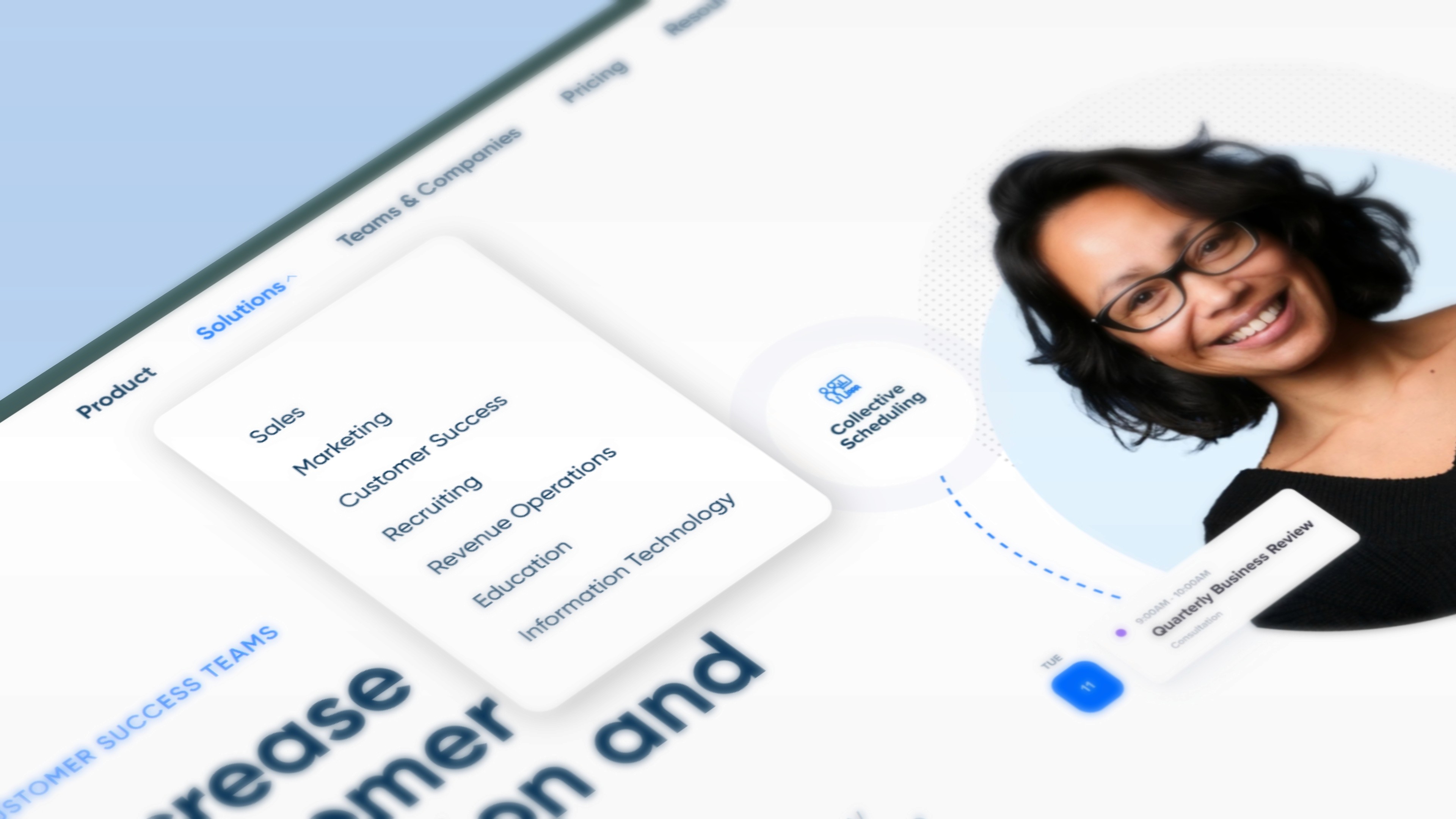
By restructuring the solution architecture into three entry points (role, industry, and company size), users quickly found content tailored to their specific context, rather than having to navigate generic feature pages.

The three-axis approach emerged from user research showing that enterprise buyers evaluate tools through different lenses: a Sales Director cares about different capabilities than a Customer Success Manager, even within the same company.

By designing distinct solution pages for each persona, I could tailor messaging, feature prioritization, and social proof to resonate with their specific workflows and pain points.

The taxonomy creates multiple entry points while maintaining a cohesive brand experience across all solution pages.

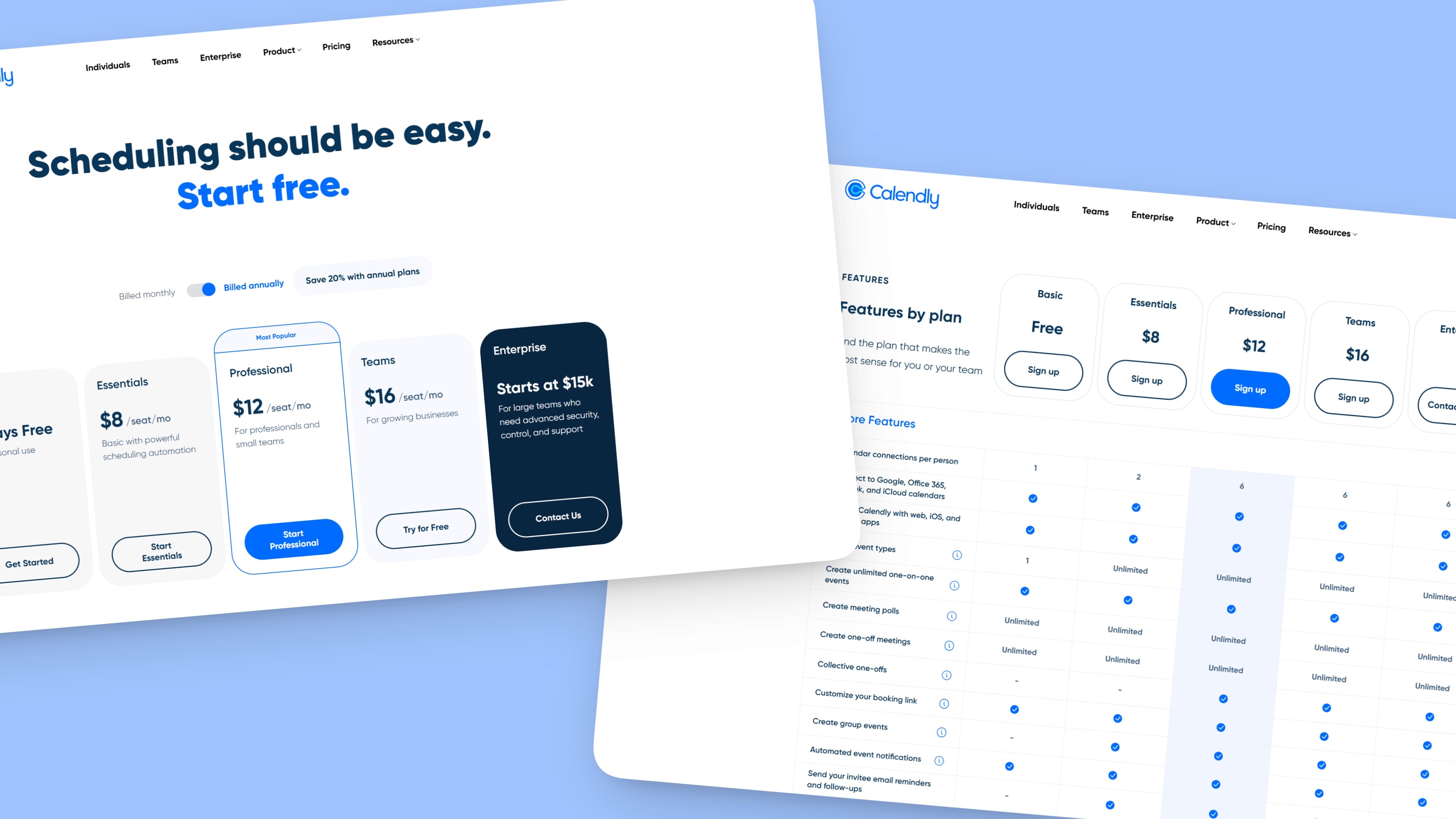
Pricing page

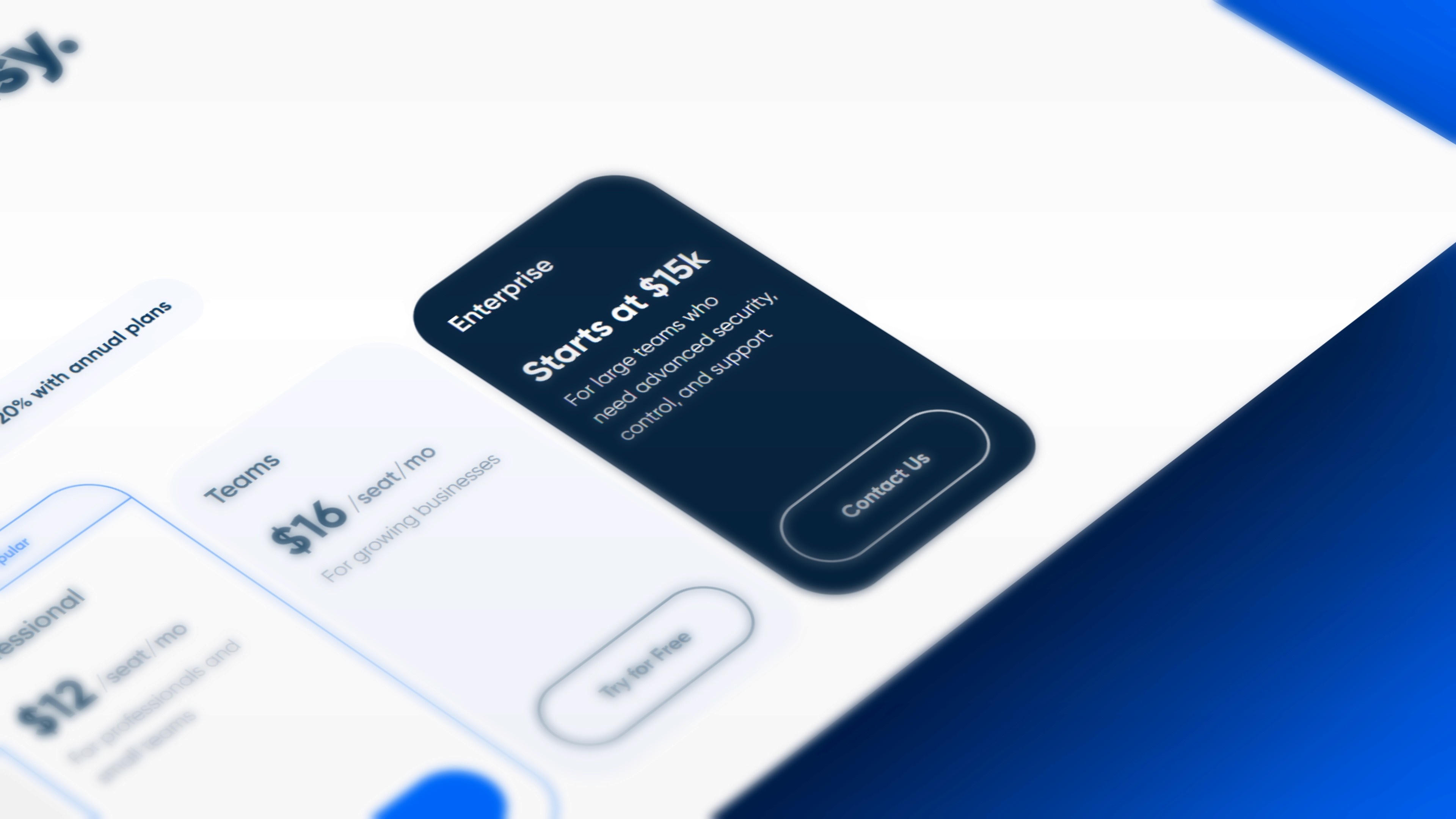
As Calendly shifted its focus to enterprise clients, pricing needed to be redesigned to guide users to the right tier.

The Enterprise tier presented a unique design challenge:

How do you strike a balance between transparency and flexibility for custom pricing?

By introducing a starting price point and highlighting expanded capabilities, I provided prospects with enough information to self-qualify while leaving room for sales conversations.
The comparison table became the hero of the page.

I designed it to surface the most relevant features based on common decision criteria, like team size, scheduling complexity, and integration needs, so users could quickly identify their fit without scrolling through an overwhelming feature list.

Bonus: the top row of the table remained fixed, keeping the CTA buttons always in view so we could meet users when they're ready to convert.

One thing I would have done differently…

I would have surfaced the top features directly in the cards themselves via bullet points, so critical decision-making information is above the fold.

Resources

We launched an organized hub that solves different discovery problems; this was an invaluable asset in our Consideration Phase for enterprise prospects.

Resource Center

Users were struggling to find relevant educational content scattered across the site.

I created a unified hub that filters content by type (e-books, webinars, blogs) and topic, allowing users to find what they need based on their learning preferences quickly. The filtering system and card-based layout make browsing intuitive, whether someone wants a quick article or a deep-dive guide.

Customer Stories

Enterprise prospects need proof that Calendly works at their scale.

I designed this section to lead with outcomes, such as time saved and revenue increased. Each story is structured around the customer's challenge, solution, and measurable results, with a visual hierarchy that lets busy executives scan for relevance. Industry tags and company size filters help users find stories that match their context.

Integrations Directory

With 130+ integrations, the challenge was preventing overwhelm.

I organized them by category (CRM, video conferencing, productivity tools) with robust search and filtering. Each integration card displays key details at a glance, like what it does and why it matters, so users can quickly assess compatibility with their existing tech stack. The layout scales gracefully whether someone is browsing or hunting for a specific tool.

Design system

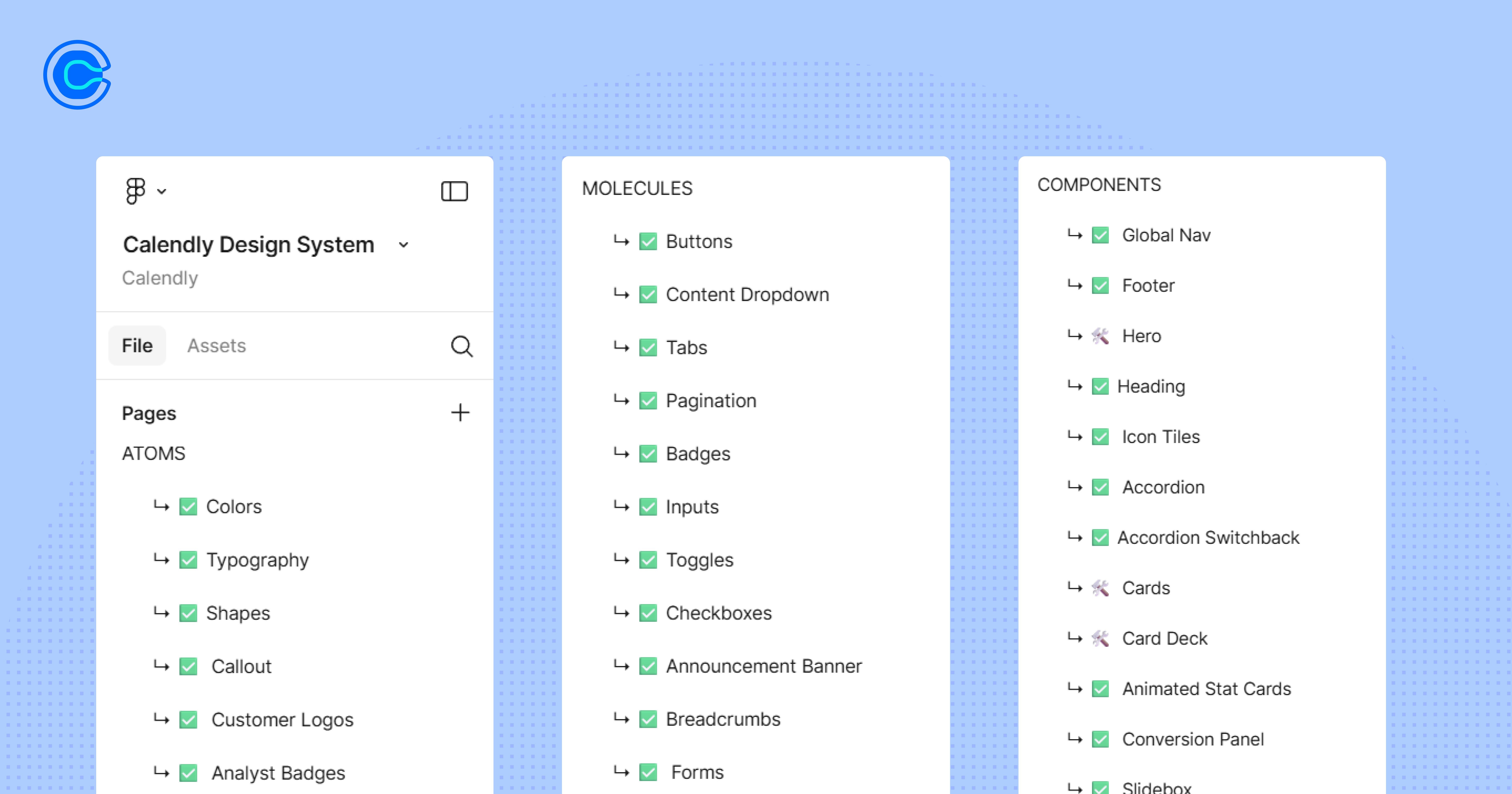
With the website improvements came an opportunity to establish a proper design system, which Calendly had been lacking.

I used the Atomic Design methodology as the framework, starting from foundational elements and building up to complete page templates. Every component was designed mobile-first, with breakpoint considerations documented for seamless experiences across devices.

All components met WCAG 2.1 AA standards, ensuring accessibility for enterprise users with diverse needs.
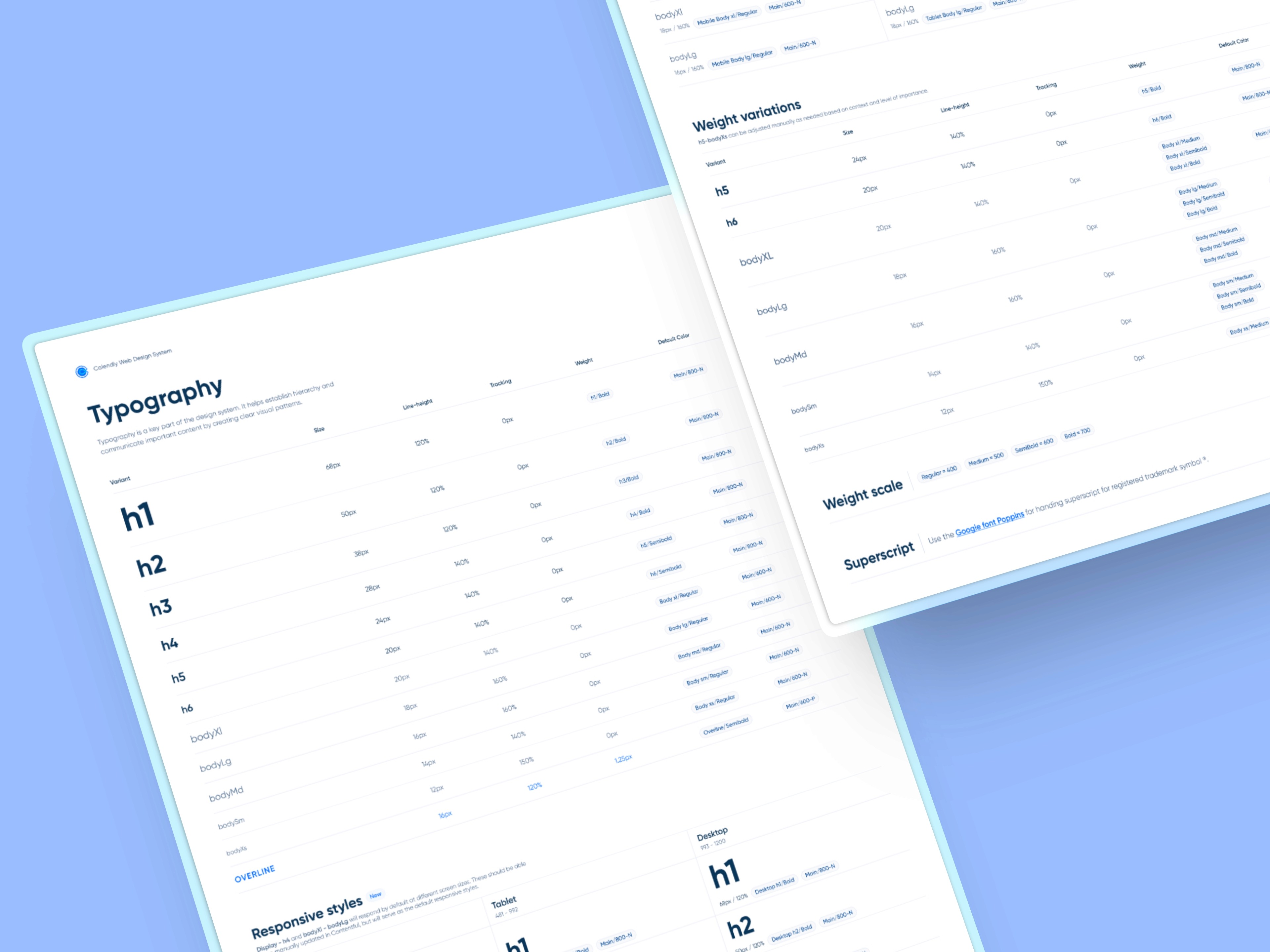
The system lived in Figma with clear component naming conventions, auto-layout for easy resizing, and variants for different states. I created detailed documentation covering usage guidelines, dos and don'ts, and code snippets for developers.

The system lived in Figma with clear component naming conventions, auto-layout for easy resizing, and variants for different states. I created detailed documentation covering usage guidelines, dos and don'ts, and code snippets for developers. The real test came during handoff, when engineers implemented components exactly as designed because the system was clear.

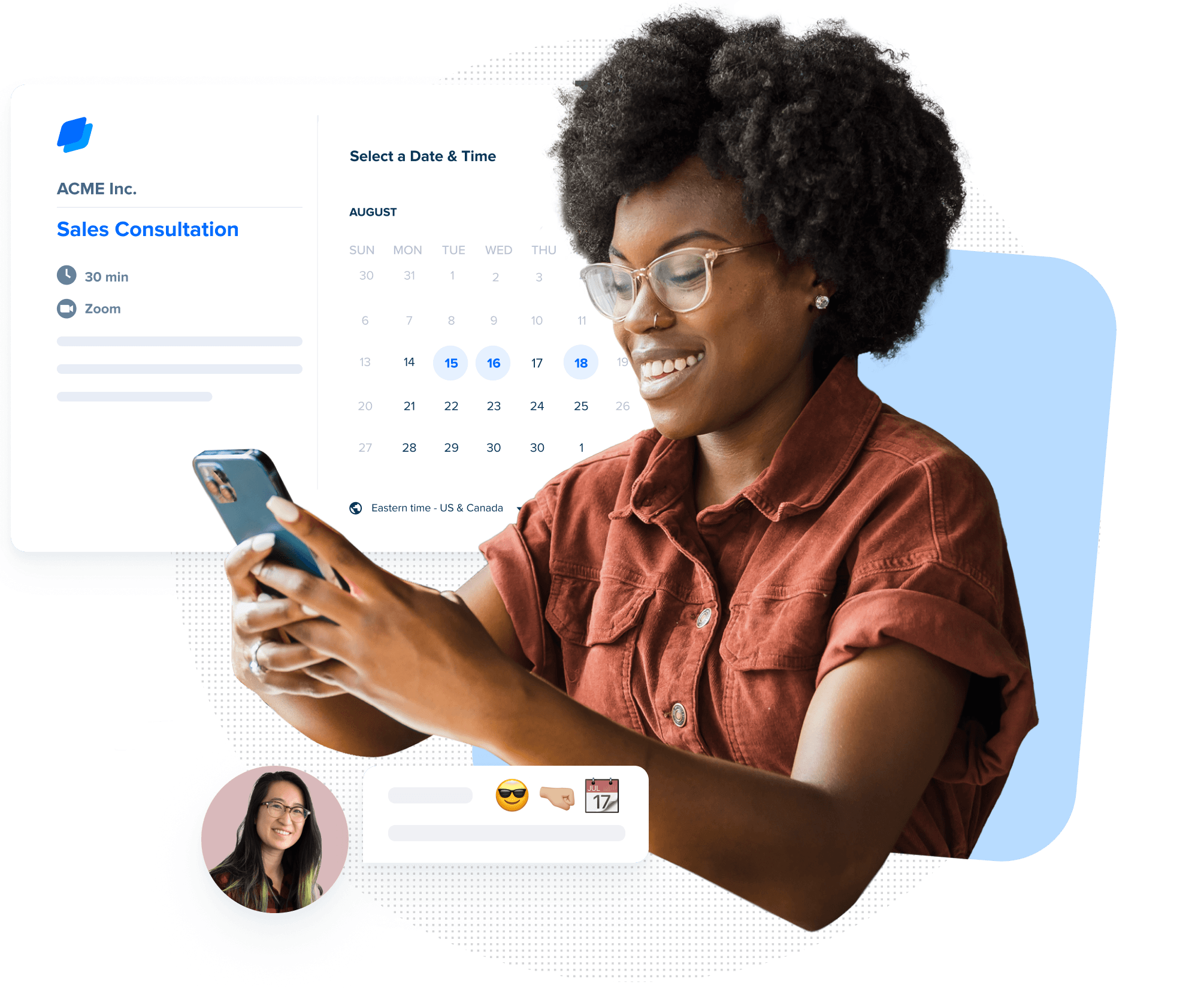
This included 75+ custom marketing and product illustrations.

Fun fact: I once blazed through 30+ in one night (such is the fun of agency life :D )

Overall, the system gave our team a shared language and toolkit that could scale with Calendly's growth, speed up design and development cycles, and ensure every user touchpoint felt intentionally crafted

This resulted in 10x faster page delivery—from weeks to days.

Localization

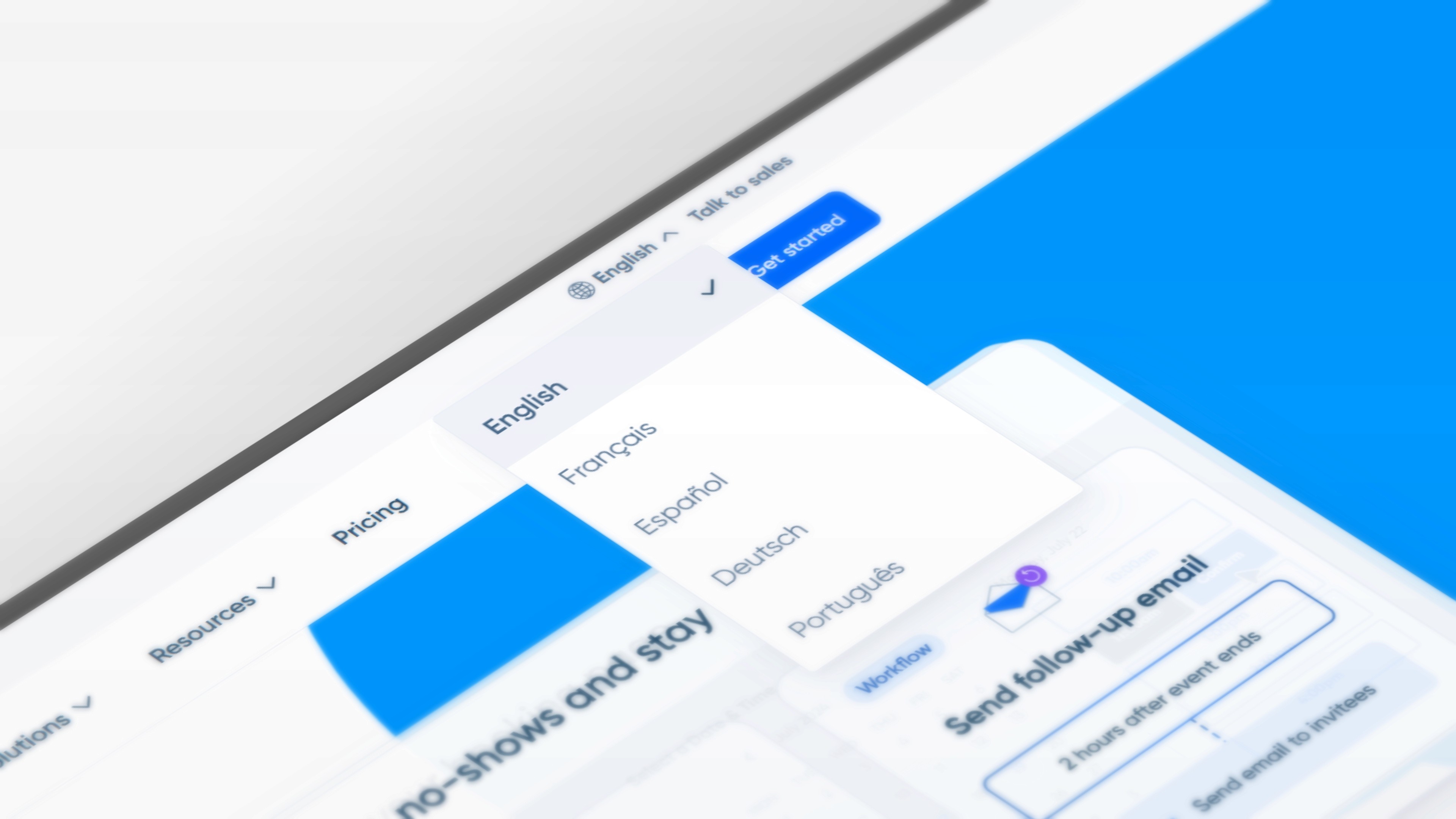
I built localization into Calendly's design system to support five languages: English, French, Spanish, Dutch, and Portuguese.

This meant designing flexible components that could handle text expansion (Spanish can run 30% longer than English), ensuring layouts gracefully accommodated longer translations without breaking.

Our documentation specified character limits for each component.

This allowed the marketing team to launch new language variants efficiently while maintaining brand consistency—critical for enterprise clients operating across European and Latin American markets.

A/B testing

We used Optimizely to validate design decisions across high-traffic pages, testing CTA copy, headlines, illustration styles, and form lengths. This helped us understand what resonated with enterprise buyers versus individual users.

Key learnings: outcome-based headlines like "Save 10+ hours per week" outperformed feature-focused messaging by 23%. Enterprise buyers preferred longer qualification forms while individual users dropped off, so we tailored form lengths by audience segment.

Illustration tests revealed that abstract styles worked well for homepage appeal, but enterprise pages converted better with realistic UI mockups that showed actual product capabilities.

Collaboration

Daily standups kept design, dev, and marketing aligned while two-week sprints gave us rhythm.

Asana tickets tracked everything from review to dev handoff, with grooming sessions deciding what shipped next. Informal communication was captured in our shared Slack channel.

Dev<>Design

In Figma, I'd mark designs "Ready for Dev," complete with prototypes showing exactly how things moved and responded, then devs would grab what they needed through Dev Mode. Because I prototyped every interaction upfront, there was never confusion about timing, behavior, or breakpoints.

Other communications included working with our internal content team on SEO optimization, ensuring proper heading hierarchy and semantic structure to improve search visibility. This happened either on Slack or IRL at the Webstacks office.

One reason Calendly chose to go on retainer with us is because of our speed of communication and design.

I feel very fortunate to have worked with such an incredible team.

I will miss working with Kate. She is a professional and very talented designer.

Jennifer Garcia

Sr. Web Manager

I will miss working with Kate. She is a professional and very talented designer.

Jennifer Garcia

Sr. Web Manager

Kate is a brilliant designer and a pleasure to work with. One of her strongest traits is her ability to manage multiple projects, team members, and clients simultaneously while staying positive and optimistic throughout the process. Her kind and humorous attitude is infectious, she is a pleasure to collaborate ideas with and a joy to be around.

Brandon Hampton

Sr. Designer, Webstacks

Kate is a brilliant designer and a pleasure to work with. One of her strongest traits is her ability to manage multiple projects, team members, and clients simultaneously while staying positive and optimistic throughout the process. Her kind and humorous attitude is infectious, she is a pleasure to collaborate ideas with and a joy to be around.

Brandon Hampton

Sr. Designer, Webstacks

I was constantly impressed by Kate's creativity and technical expertise. She always brought unique ideas to the table and pushed the limits to produce outstanding work. Her meticulous attention to detail ensured that every project was executed to the highest standard. What sets Kate apart is her exceptional communication skills. She has a talent for explaining complex concepts clearly.

Vick Kahlon

Software Engineer, Webstacks

I was constantly impressed by Kate's creativity and technical expertise. She always brought unique ideas to the table and pushed the limits to produce outstanding work. Her meticulous attention to detail ensured that every project was executed to the highest standard. What sets Kate apart is her exceptional communication skills. She has a talent for explaining complex concepts clearly.

Vick Kahlon

Software Engineer, Webstacks

Jump to: